
How to fix Moderate NAT, Teredo errors, and Double NAT on Xbox
Complete networking guide for Xbox consoles: resolve Teredo IPsec blocks, configure alternate ports when multiple consoles share the same home network, and read real packet loss stats.
Closed beta on Android
Access is through a Google group. Follow these steps:
- Join the group with the Google account you use on the Play Store.
- If the group asks for approval, wait for it.
- Install Lagcheck from the test link, shared with group members.
The link opens Google Groups in a new tab.
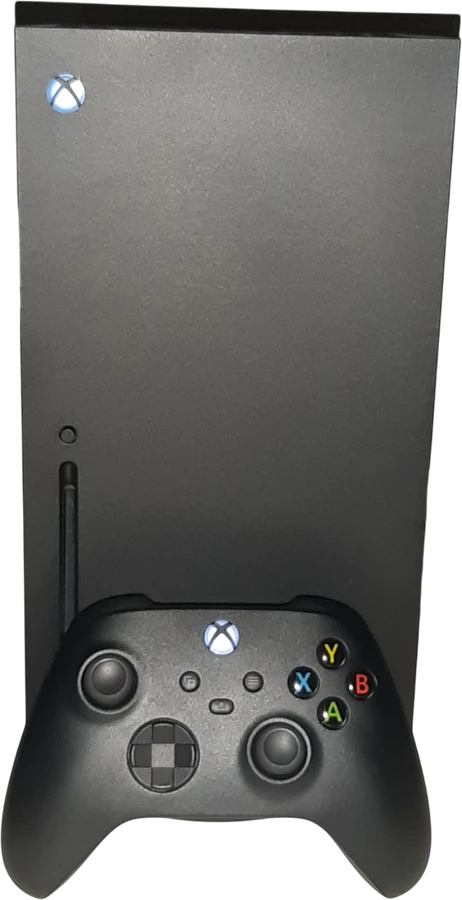
What usually ruins your matches on Xbox
Moderate or Strict NAT warnings
Xbox relies on the Teredo protocol for P2P sessions and party voice chat. If UDP port 3074 is blocked, NAT drops to Moderate or Strict and lobbies fail to connect.
"Double NAT Detected" warning
Common when plugging a mesh system or third-party router into an ISP gateway without enabling Bridge mode. Two routers performing NAT in series break incoming game traffic.
Two Xbox consoles fighting for the same port
When two Xbox consoles play on the same home Wi-Fi, both try to claim UDP port 3074 on the router, leaving one console with Strict NAT.
Settings that actually make a difference
No placebo tweaks. These are the technical steps that fix real routing, port forwarding, and hardware stability issues on your device.
Step 1Select an alternate port on the console
This is the quickest way to stabilize Xbox NAT and fix conflicts when more than one console is on the network.
- Open Settings > General > Network settings.
- Select Advanced settings > Alternate port selection.
- Choose Manual instead of Automatic.
- Pick a port from the list (for example, 50123 or 52345) and confirm.
- Return to the previous screen and run Test NAT type to verify it switches to Open.
Step 2Unblock the Teredo tunnel on your router
Xbox uses IPsec Teredo tunneling over UDP port 3544. Some router firewalls block this traffic by default.
- Open your router admin page in a browser.
- Look under Security or Firewall settings.
- If there is an option called "Block Teredo Tunneling", turn it off.
- Make sure IPv6 is enabled on the router, as Xbox Network prioritizes native IPv6 routes.
Step 3Eliminate Double NAT between modem and router
If your Xbox reports "Double NAT Detected", fix the physical bridge between your ISP modem and your router.
- Option A (Best): Put the ISP modem/gateway into Bridge mode and let your own router handle routing and Wi-Fi.
- Option B: If the ISP gateway cannot be bridged, set your secondary router or mesh system to Access Point (AP) mode.
Common networking myths on Xbox
"Xbox must stay in Sleep / Instant-on mode to keep a stable connection."
In practice, Instant-on mode can hold stale network cache and DHCP leases over weeks. Using Energy Saver mode forces a clean network stack boot every time you turn the console on.
Ports and specifications table
| Parameter | Configuration | Purpose |
|---|---|---|
| Primary Xbox Port | UDP 3074 | Matchmaking and multiplayer traffic |
| Teredo Port | UDP 3544 | Xbox Network IPsec tunnel |
| Additional Ports | UDP 88, 500, 4500 | Kerberos authentication and IPsec |
| Built-in Diagnostics | Shows real packet loss | Available under Network statistics |
Quick answers about Xbox
Where can I see real packet loss on Xbox?
Go to Settings > General > Network settings > Test network speed & statistics. Unlike other consoles, Xbox explicitly displays packet loss percentage and latency.
What is the difference between Open, Moderate, and Strict NAT on Xbox?
Open NAT can host matches and connect with any player. Moderate NAT only connects with Open or Moderate players. Strict NAT can only join players with Open NAT.